
−58%Albelli · photo books
customer support complaints, with Viesus enhancing every photo inside Albelli's ordering software.
HDR photos that hold up on paper. Settings that fit the scene. A rescue grade for small uploads. All of it faster, on the hardware you already run.


Drag to compare. A 400 px customer upload, enlarged 4× by Viesus Quality with color enhancement. No retouching.
Running in production at




HDR to print
Phones now save most photos as High dynamic range. The file stores more brightness than a normal photo, so an HDR screen can make the sun or a lamp glow brighter than white.. Print reads only the Standard dynamic range. The brightness range of most screens, and of paper. White is as bright as it gets. copy inside the file, and that copy is flat. Viesus 13 reads the whole file and Tone mapping. Fitting a wide brightness range into a narrower one, so highlights and shadows both keep their detail. it to what paper can show.
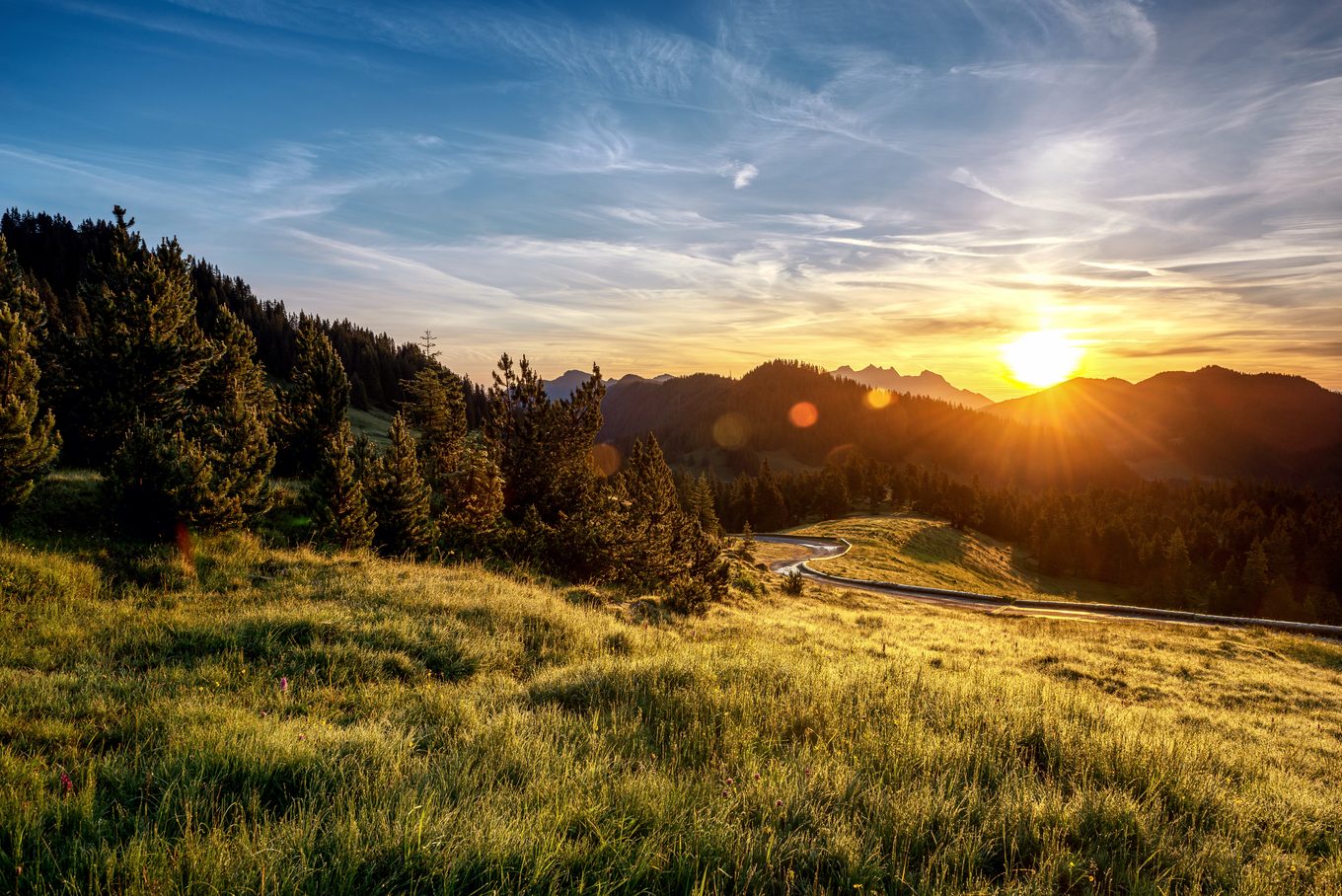
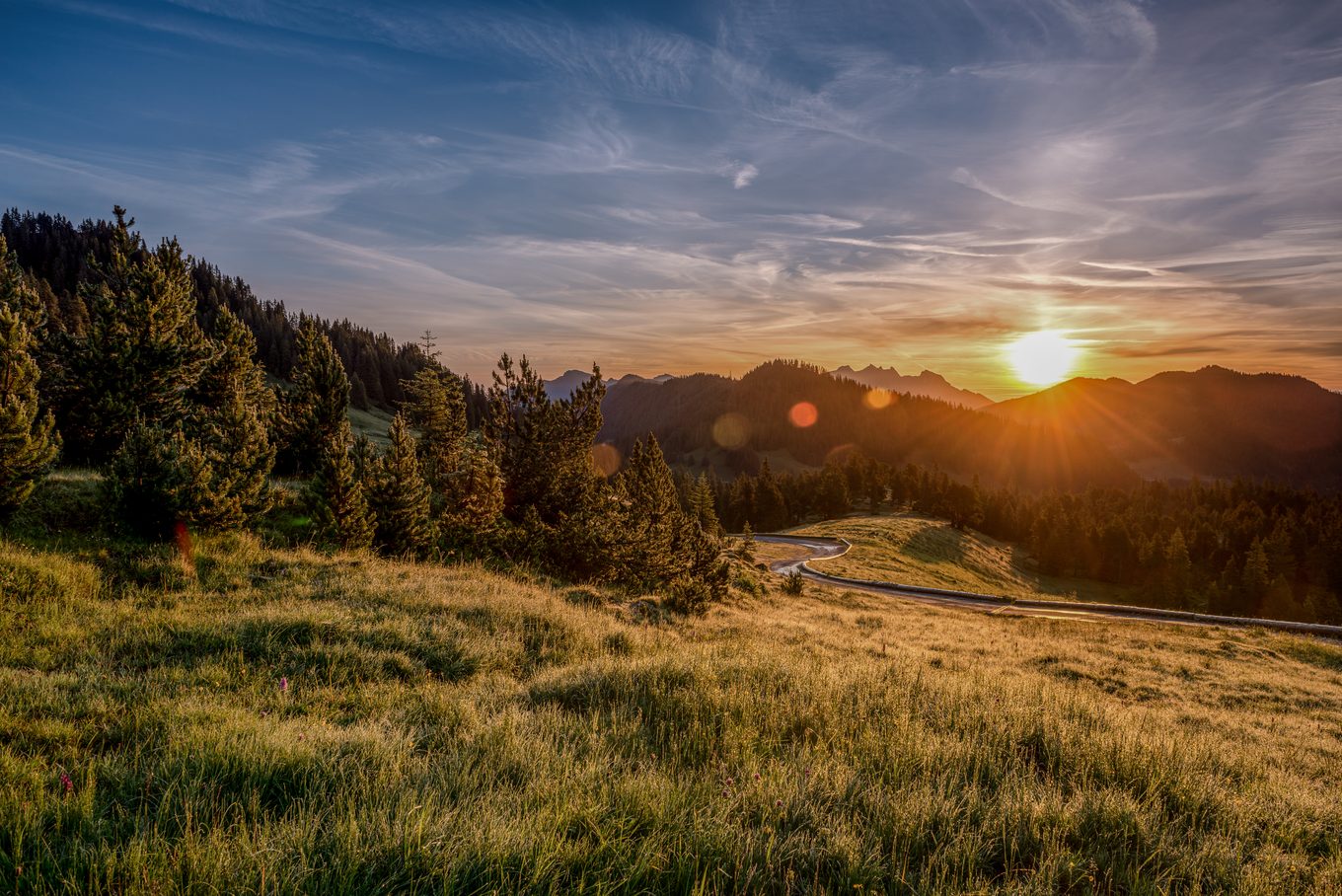
Drag to compare. Left: the SDR copy most print workflows send to the printer.
Usual workflow
A phone High dynamic range. The file stores more brightness than a normal photo, so an HDR screen can make the sun or a lamp glow brighter than white. photo holds two images: an Standard dynamic range. The brightness range of most screens, and of paper. White is as bright as it gets. base and a Gain map. A small grey layer inside the HDR file. It tells an HDR screen how much brighter to make each area: the lighter, the brighter. with the extra brightness. HDR screens use both. Print uses only the base, which the camera made as a compromise. Contrast enhancement can’t bring back what the base never recorded.
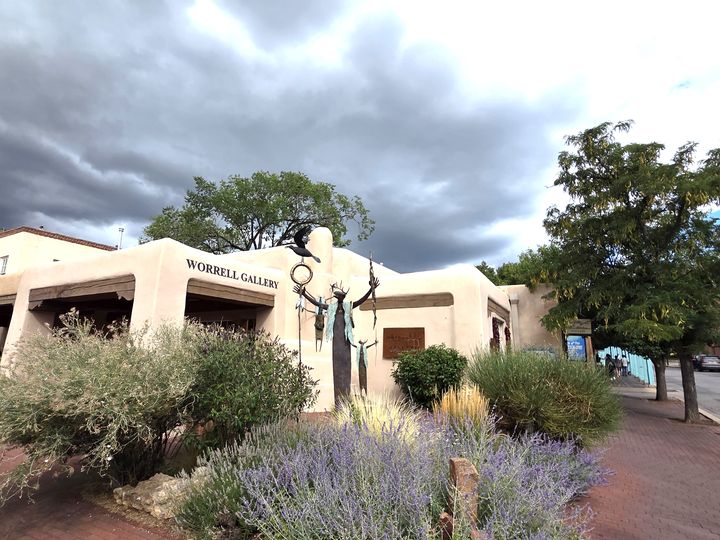
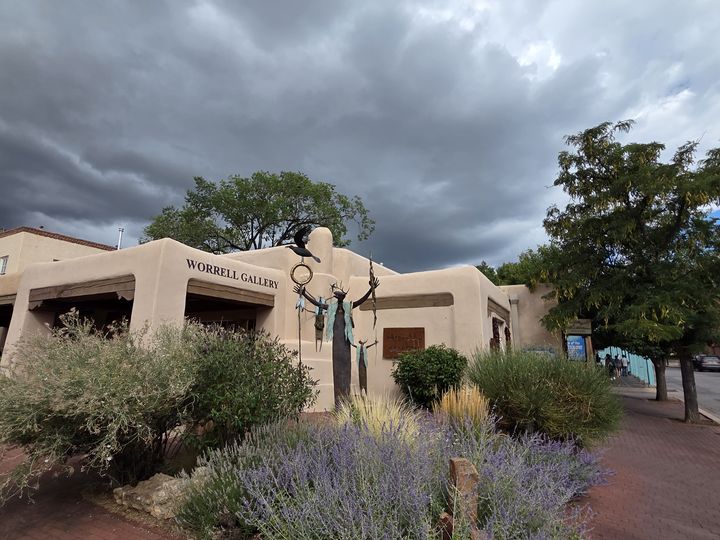
HDR filebase image and gain map
SDR outputflat image
With Viesus · HDR detected automatically

SDR basewhat print gets today
Gain mapthe extra brightness
Viesusthe original contrast, for print
vScene
Viesus always adapted to each photo. vScene goes further: it identifies 13 scene types and applies settings refined for each. When people are in the picture, they take priority.
Resizing
Most files need a clean enlargement. A few need their detail rebuilt. Up to 4× per pass.
Small size changes on clean files. No AI.
AI upscaling tuned for turnaround and volume.
Full-quality AI upscaling with cleanup. The everyday grade.
Rebuilds faces and texture in files you would otherwise reject.
Send it the files you would otherwise reject. Balanced keeps the volume moving.
At 5% Quality, you keep 73% of your daily volume.
Measured on 2.7 MP outputs, NVIDIA RTX 4000 Ada.
Quality rebuilds faces and texture in files below print size. Viesus 13 also detects age groups, so a child's face isn't treated like an adult's.
Uploaded at
Show
Faster pipeline
Viesus 13 gets 59% more images through each GPU than Viesus 11, on identical hardware. No new servers, no new licenses.
Images per GPU per day
GPUs for 100,000 images a day
Viesus benchmark, 2026, same hardware. Viesus 12 and 13 with TensorRT. Your files and setup change the numbers.
Results
Numbers reported by companies running Viesus in production.
Customer-reported averages from AI upscaling deployments. Results vary by order mix and quality thresholds.
customer support complaints, with Viesus enhancing every photo inside Albelli's ordering software.
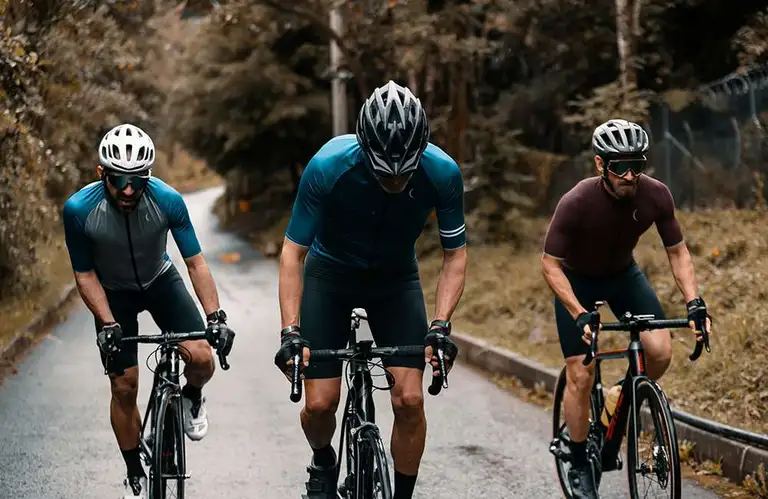
In as little as 15 seconds, a cyclist crossing the finish line was an enhanced photo on a news website, in Swiss-Image's MomaPIX workflow with Viesus.
In their words
“With many travellers documenting their memories on their phones, the photos we receive aren’t always optimal. Viesus greatly improved the quality of our users’ printed photos.”
“Especially with larger prints, we see JPEG artifacts clearly. Artifact Removal and AI Upscaling are particularly worth mentioning, besides the colour enhancements.”
“Viesus plays a very important role in our online workflow, because we want to deliver perfect photos to the clients. After two or three thousand photos, the results got better every time. It’s the AI and deep learning, and it’s perfect for us: we don’t have to work on photos. Forget Photoshop.”
Featured in





Deployment
Built for production lines on their own servers. One engine, the same output everywhere, supported by a Swiss team.
Batch production on your own servers. Flat annual license by image volume.
Command line · Hot folder · PDF Enhancer · Docker
Request a trialPay per image, no install. For testing and lighter volumes.
V12 live ↗V13 next Open Viesus Cloud



Try it
A typical mix from your production: everyday orders, the hard cases, complete PDFs.
Prefer email? info@viesus.com
We'll reply within one working day.